> For the complete documentation index, see [llms.txt](https://shoppad.gitbook.io/bouncer/llms.txt). Markdown versions of documentation pages are available by appending `.md` to page URLs; this page is available as [Markdown](https://shoppad.gitbook.io/bouncer/readme.md).
# Get started with Bouncer
### Welcome to the Bouncer app!
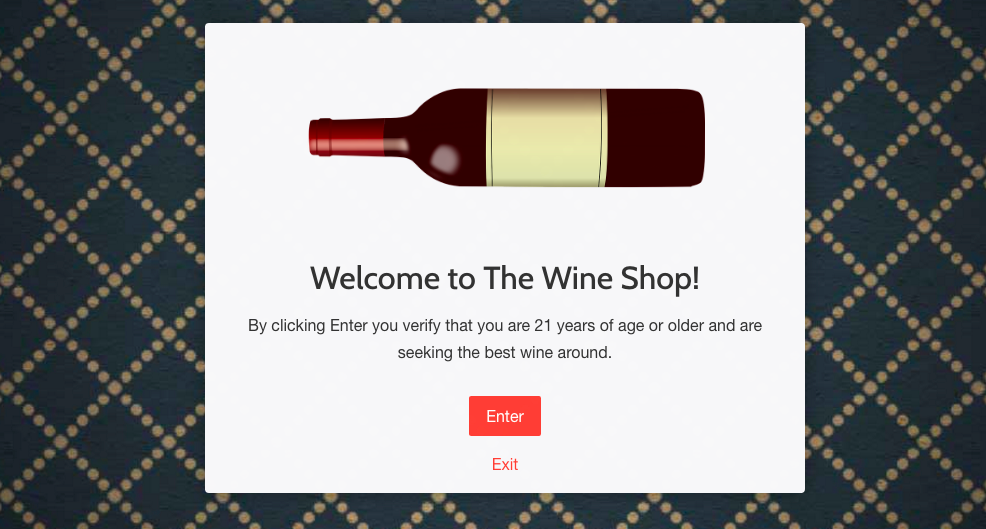
Bouncer will add an age-verification gateway popup box to your Shopify store - perfect for stores with age-restricted merchandise to maintain legal compliance and deter under-age visitors
Your Bouncer age-verification popup box will start working right away when you visit your Shopify store:
### Bouncer Dashboard
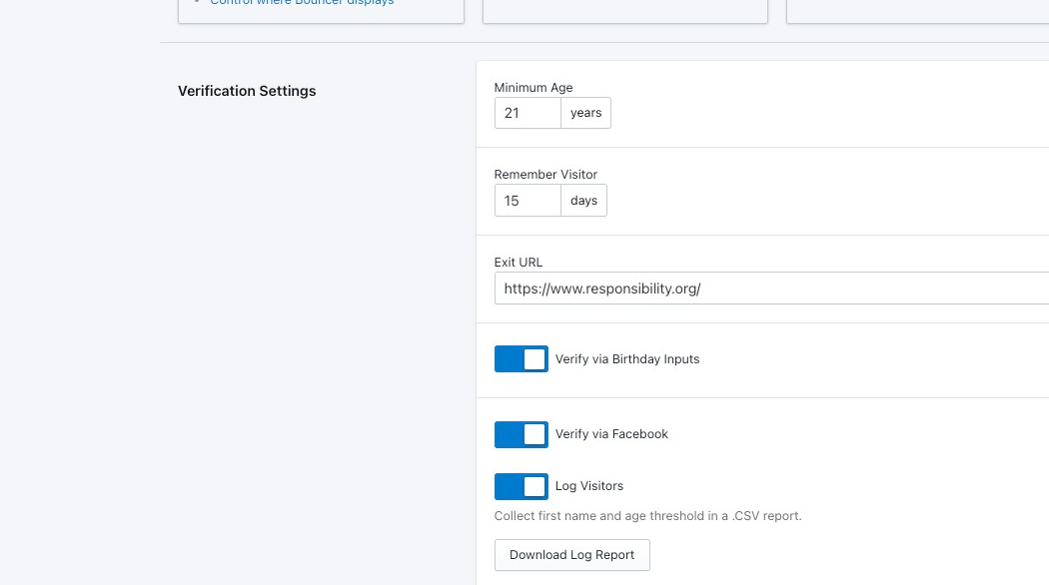
From the Bouncer app dashboard, you'll be able to configure some Verification Settings.
* The **Minimum Age** setting will specify which age that a customer must confirm that they are to enter your store
* The **Remember Visitor** setting will specify how many days that your store will remember a return customer before they see your Bouncer popup box again
* The **Exit URL** will be the site that a visitor will be sent to if they click on Exit or do not meet the criteria set by your popup box
* You can also choose whether you want to add a **Birthday Input Verification**
Or whether you want to add a **Verification via Facebook accounts**
* You can also choose to download a .CSV file with all of the Facebook login records.
* Please note that Facebook login records are only stored for **125 days**. This is a Facebook platform limitation and applies to all stores using this feature.
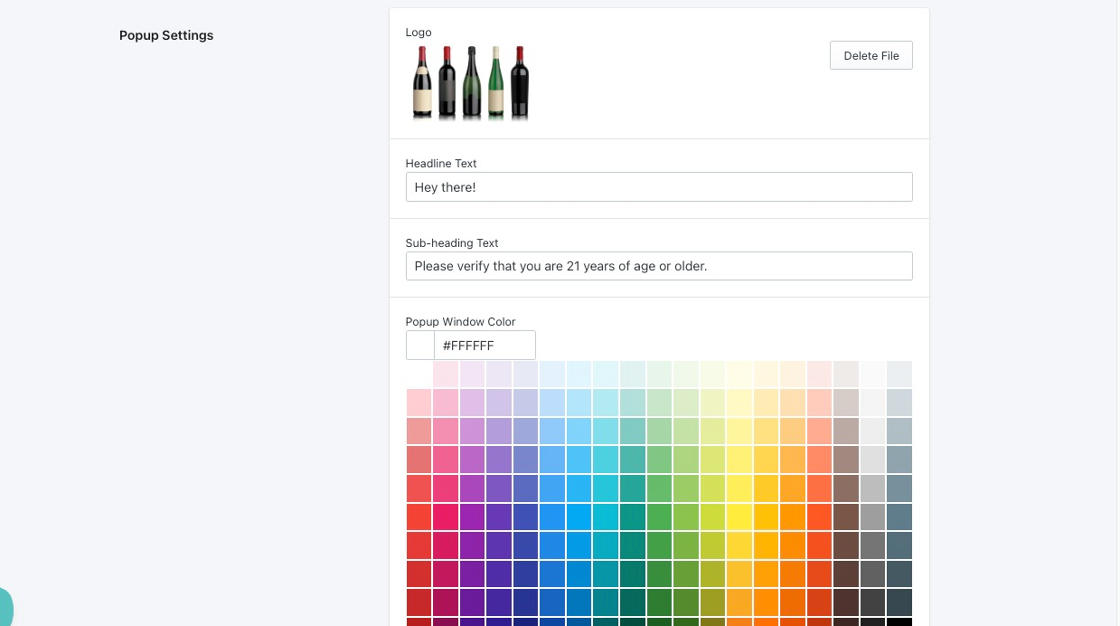
Below that, you'll be able to customize the settings of your Bouncer popup:
* The image **Logo** will appear at the top of your popup
* **Headline Text** will be the text that appears below your Logo
* The **Sub-heading Text** will appear right below your Headline Text
* You'll also be able to set the **Popup Window Color**
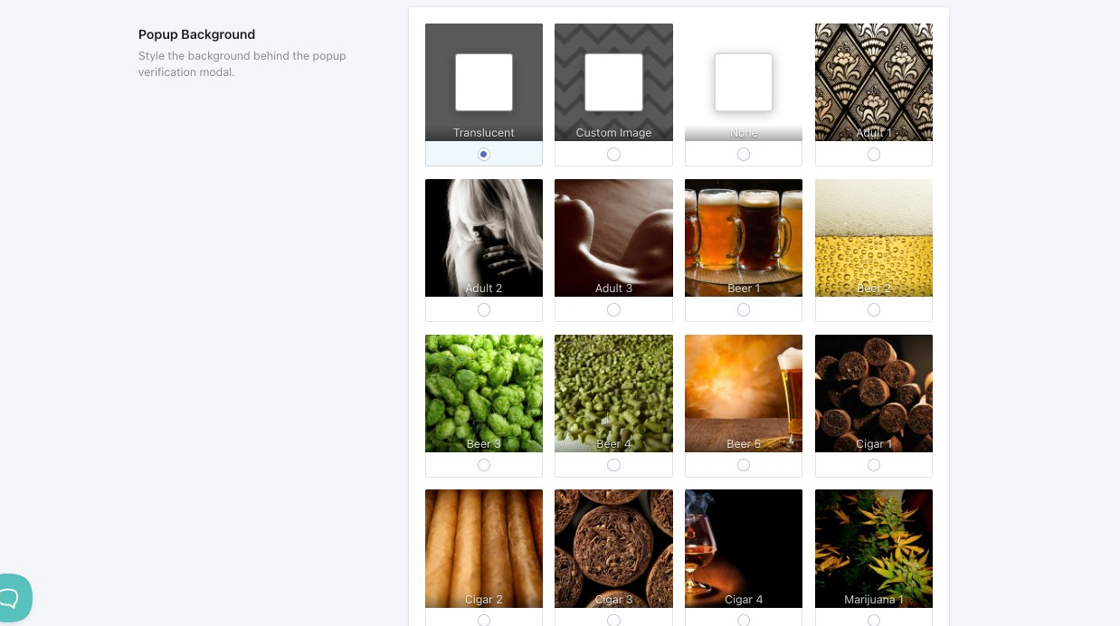
Below these settings, you'll be able to customize the background of the page when your popup appears:
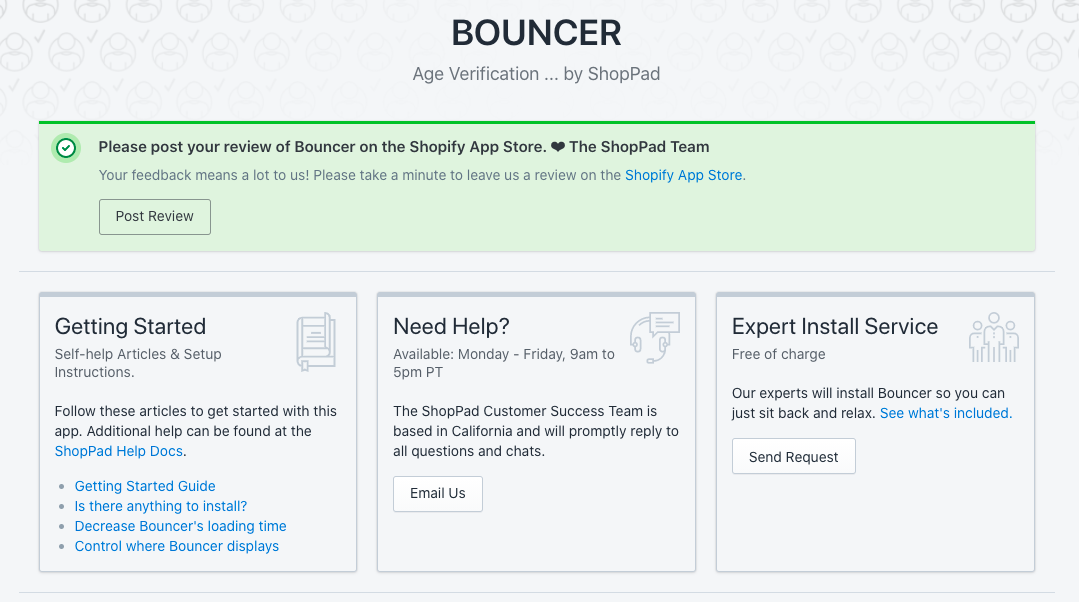
For any additional features and assistance, you can check out our Bouncer help documents or contact our Customer Success team from the top of your Bouncer app dashboard:
After some quick customizations and adjustments from your Bouncer app dashboard, your Bouncer age verification popup will be ready to go! \*High Five\*