# Is the app installed?
#### How to confirm Infinite Options is fully installed on your theme
Installing Infinite Options from the Shopify App Store does not automatically place the app fields on your product pages. Because Infinite Options is a non-invasive app, the installation code needs to be added to your theme before your option fields will appear.
If you recently changed themes, you will need to reinstall the code on your new published theme.
### Step 1: Check if your theme is Shopify OS 2.0
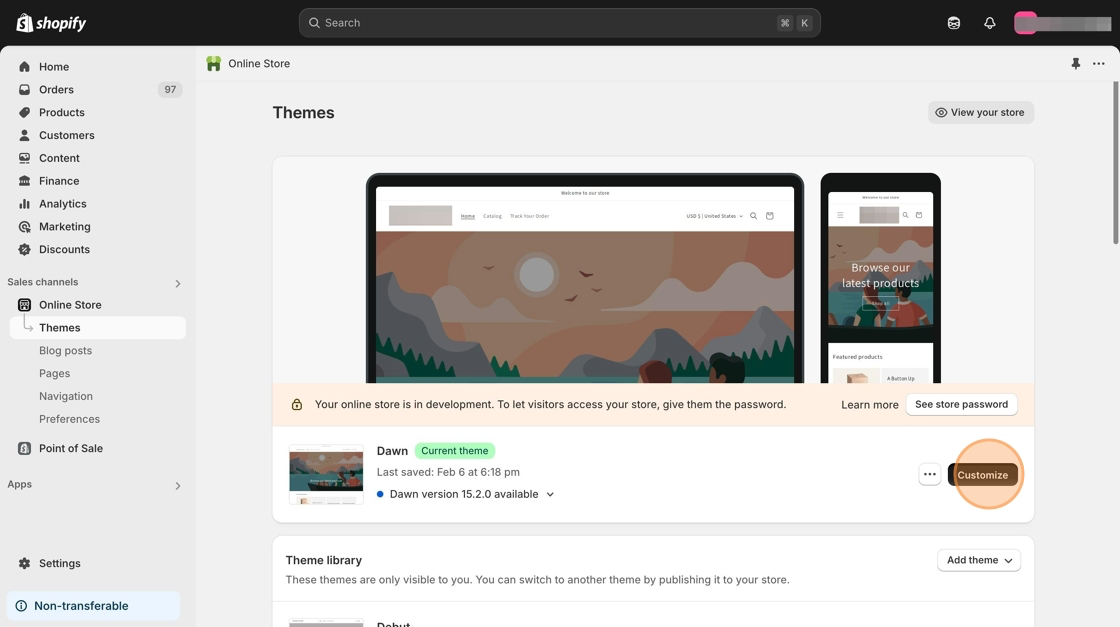
1. In your Shopify admin, go to **Online Store** → **Themes**.
2. Select **Customize** on your current theme.
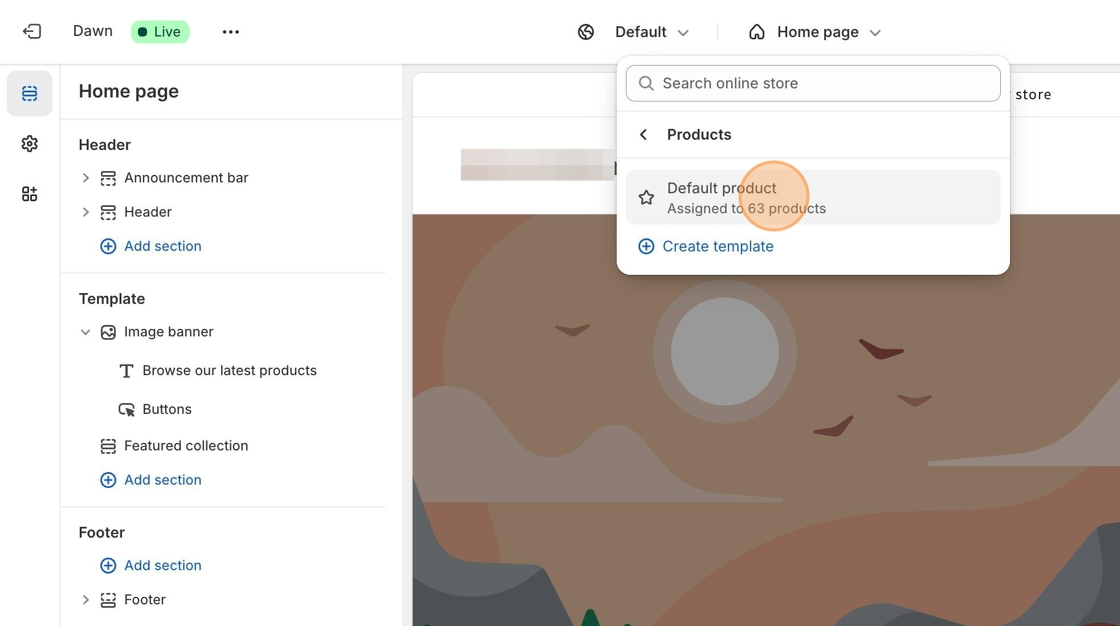
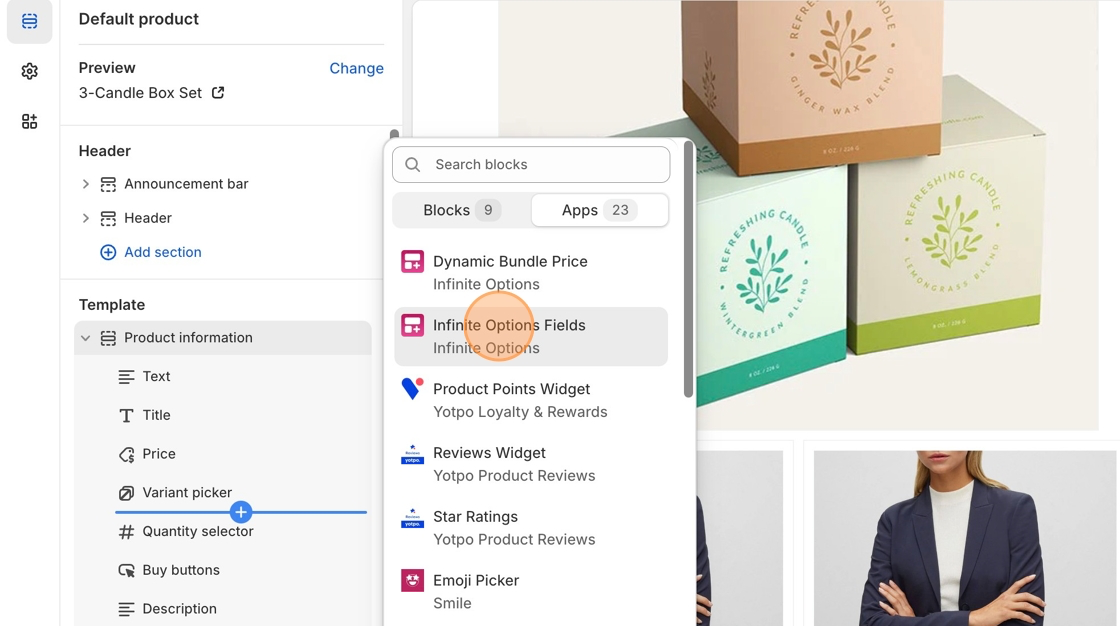
If your theme supports drag-and-drop app blocks, you will be able to add Infinite Options fields directly to your product form.
Follow the steps here to add Infinite Options using app blocks\
[#installing-infinite-options-on-a-shopify-2.0-theme](https://shoppad.gitbook.io/infinite-options/welcome/how-to-install#installing-infinite-options-on-a-shopify-2.0-theme "mention")
### Step 2: If your theme does not support app blocks
Some older themes do not include support for app blocks. In that case, you will need to manually add the installation snippet to your product form.
Paste the following snippet where you want your Infinite Options fields to appear:
```html
```
For a step-by-step walkthrough, you can follow this guide:\
[installing-infinite-options-directly-in-the-theme-1.0-theme](https://shoppad.gitbook.io/infinite-options/welcome/install-infinite-options-on-a-specific-theme/installing-infinite-options-directly-in-the-theme-1.0-theme "mention")Expert Install Service
### Step 3: Save and test
After installing the app block or adding the snippet:
1. Save your theme changes.
2. Open a product page on your online store.
3. Confirm that your Infinite Options fields load on the page.
If fields do not appear, double-check that your Option Set is assigned to the product and that your products are published.
### Expert Install Service
If you prefer not to update theme files yourself, our team can install Infinite Options for you. The service is a one-time $20 fee and is completed within one business day.
### Need help?
If you’re not sure whether your theme is installed correctly or which method applies to your setup, feel free to contact our Customer Success team. We’re happy to point you in the right direction.