> For the complete documentation index, see [llms.txt](https://shoppad.gitbook.io/kitkarts/llms.txt). Markdown versions of documentation pages are available by appending `.md` to page URLs; this page is available as [Markdown](https://shoppad.gitbook.io/kitkarts/get-started-with-kit-karts.md).
# Get started with Kit Karts
### Welcome to the Kit Karts app!
Kit Karts automatically aggregates all abandoned carts from the previous day and will automatically send out abandoned cart emails the next day. Emails are sent daily based on your Notification Window.
### What to expect from Kit Karts
To learn more about what you can expect from the Kit Karts app and how you will actually go about recovering these abandoned carts on your store, you can check out a help article that will walk you through the whole process by [clicking here](/kitkarts/what-to-expect-when-using-kit-karts.md)!
### Kit Karts Dashboard Tab
On the dashboard tab, you'll see some graphics listing some abandoned cart numbers:


You'll also see the total value recovered from your Kit Karts app through the recovery emails sent out to customers who did leave carts abandoned carts on your store.

### Abandoned Carts Tab
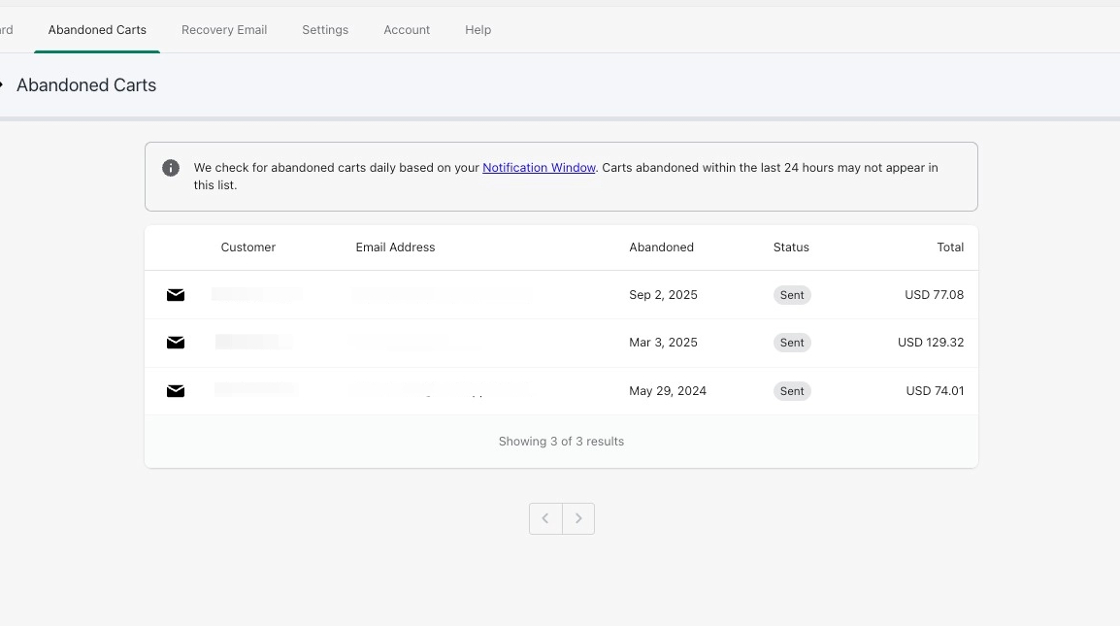
You'll see some **Send Metrics**, detailing the last 100 abandoned carts tracked by Kit Karts on your store. It will list the customer's email address, the date the cart was abandoned, and if a recovery email was sent to them. you can also send out unsent emails from here.
### Recovery Email Tab
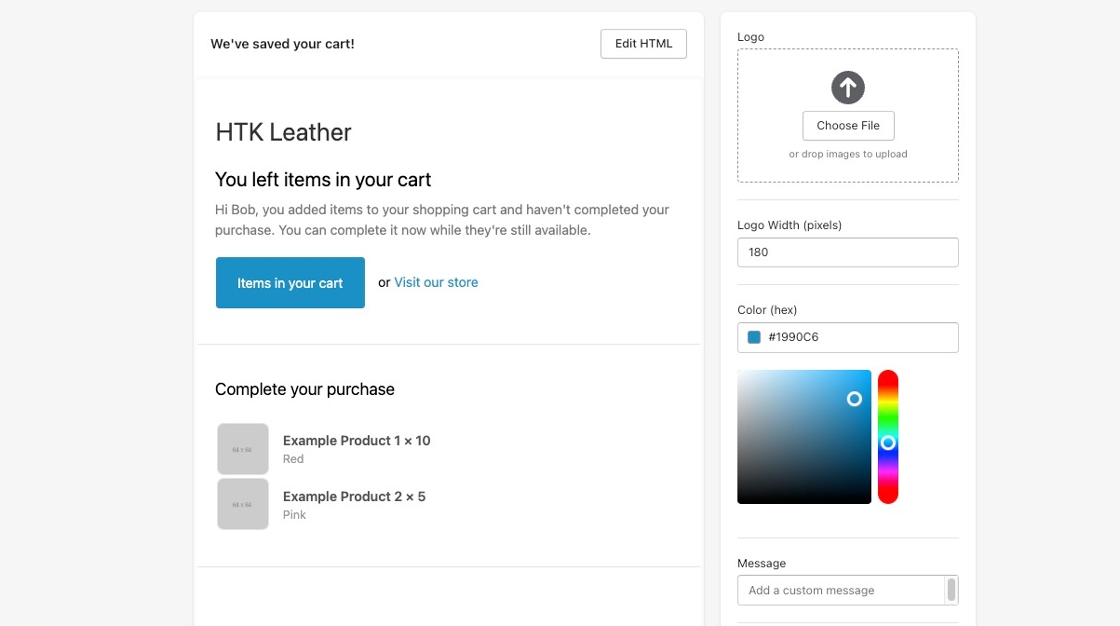
You'll be able to edit and customize your recovery email and its subject line sent out to your customers. By default, it will have some text and code to list all of the items that your customer left in the cart so that they can pick up right where they left off on your store. You can also check out [this document](/kitkarts/email-template-variables.md) if you want to add in any other code configurations to your Recovery Email. Don't forget to hit **Save** at the top of your page!
### Settings Tab
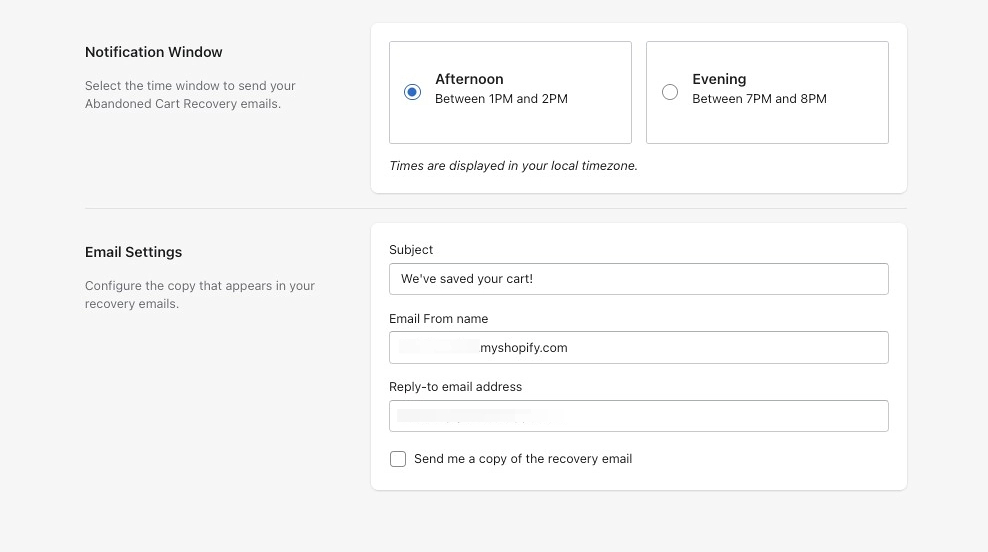
You can set the time when Kit Karts will send out emails. There are two times offered, and each will display based on your local timezone.
### Help Tab
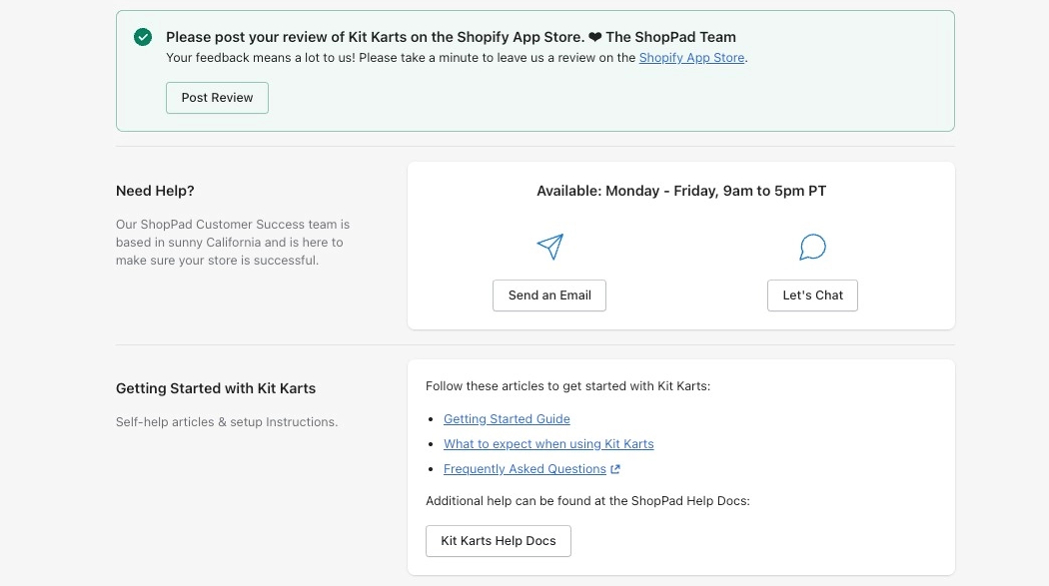
For any additional features and assistance, you can check out our Kit Karts help documents or contact our Customer Success team from the help tab:
After some quick configurations, you'll be set to start recovering abandoned carts on your store and making some extra sales with Kit Karts! \***High Five**\*