> For the complete documentation index, see [llms.txt](https://shoppad.gitbook.io/smile/llms.txt). Markdown versions of documentation pages are available by appending `.md` to page URLs; this page is available as [Markdown](https://shoppad.gitbook.io/smile/readme.md).
# Get started
### Welcome to the Smile app!
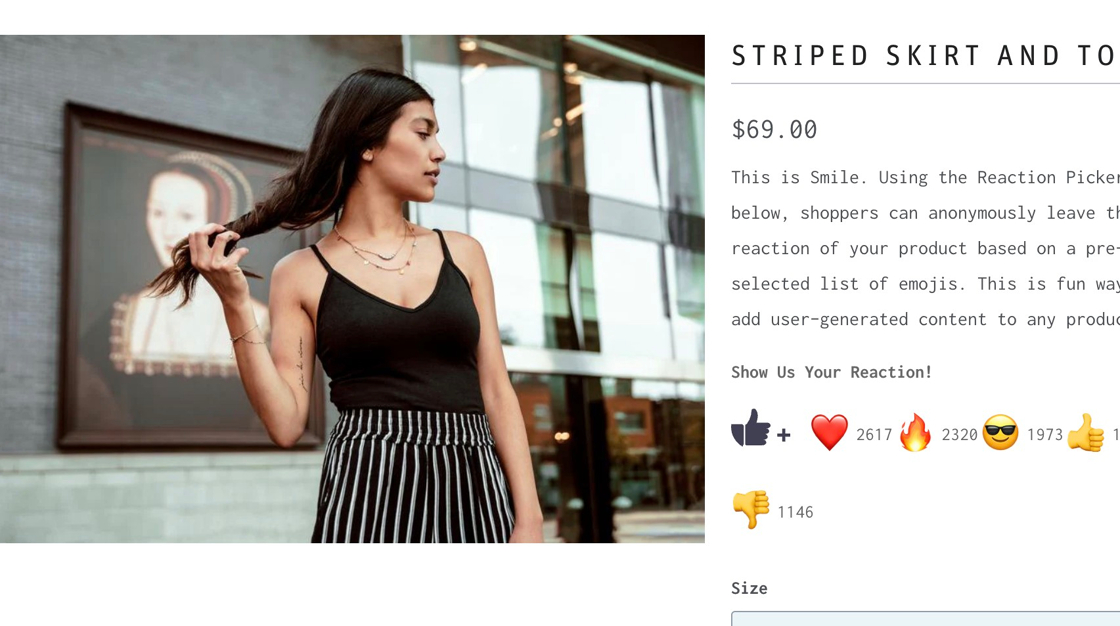
Smile allows your customers to react to your Shopify store's products and blog articles by using a series of emojis. All of the reactions that your customers make on your products will be tallied and displayed for all to see.
In order for customers to be able to react to products and articles on your Shopify store, there are several installation steps that must be completed. This help article will walk you through that process: [Click here!](https://shoppad.gitbook.io/smile/)
Check out these different tabs of the Smile app to learn what features they have to offer.
* [Dashboard](#dashboard)
* [Emoji Picker](#emojipicker)
* [Settings](#settings)
* [Account](#account)
* [Help](#help)
### Smile Dashboard
You will see some notification cards at the top with some helpful tips to get started using the app. You can always remove them from your dashboard by clicking on the **X** button on the right-hand side.
**Top Reactions & Most Popular Tables**
The **Top Reactions** table displays which emoji reactions, up to 5, are being frequently used by your customers.
The **Most Popular** table lets you know which of your products, up to 5, are the most popular by having the highest customer reactions. Click on the product's link to see the reactions live on your store!

New users will see the product titles, whereas existing users will see product handles in the Most Popular table.
### Emoji Picker
You will be able to select which emojis you would like customers to react with on your product and article pages.
By clicking on the emojis that listed under **Active Emojis**, they will be removed from the list and become inactive.
By clicking on any of the emojis that listed under **Inactive Emojis**, they will then be added to your **Active Emojis** list and become available for customers to use.

Want to adjust the text and color of the Emoji Picker icon? You can do so under the **Label Text**, **Label Color**, and **Icon Color** sections.
The colors that are used for the label and icon are currently in the Hex Color Code format. To find the exact color that you would like to use follow this link: [Click here!](http://htmlcolorcodes.com/)
Don't want to use the default emoji picker icon? Select a different **Emoji Picker Icon** from our fantastic selection, or you can upload your own icon.

Check out this example of a customized Smile button:

### Settings
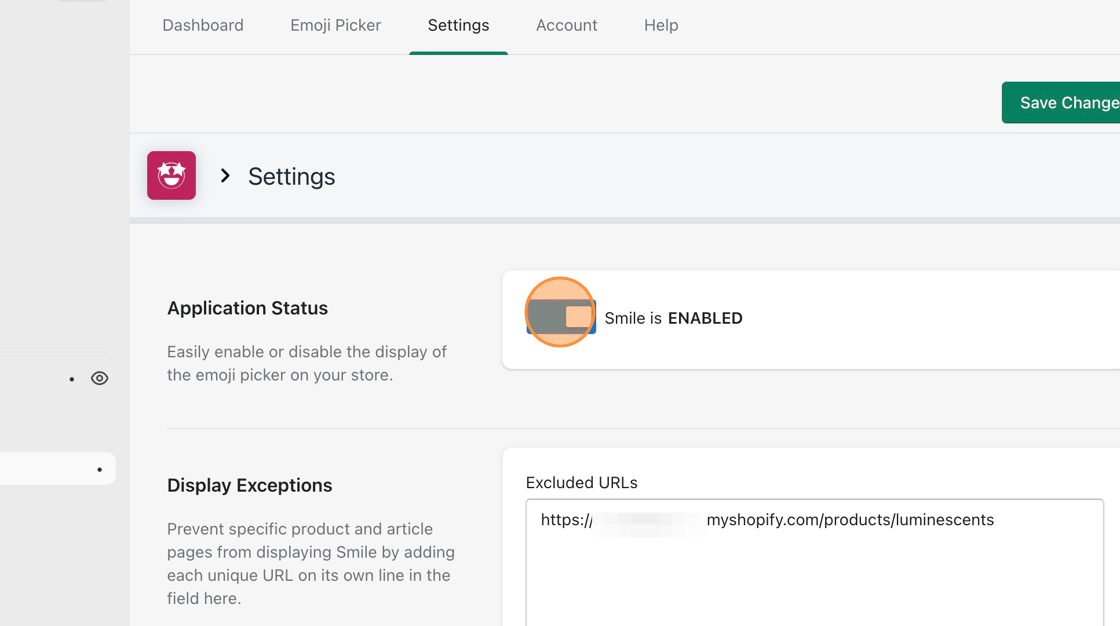
If you would like to temporarily disable customers from reacting to your store's products and articles, you can toggle the **Status** button.
If there are any product or article pages that you would like to prevent customers from making emoji reactions on, you can include the storefront URLs for them under the **Display Exceptions** section.
In the example below, we've included some products and article URLs, formatted so that they are appearing on their own separate lines.

### Account
The **Account** tab will let you adjust your contact information.

### Help
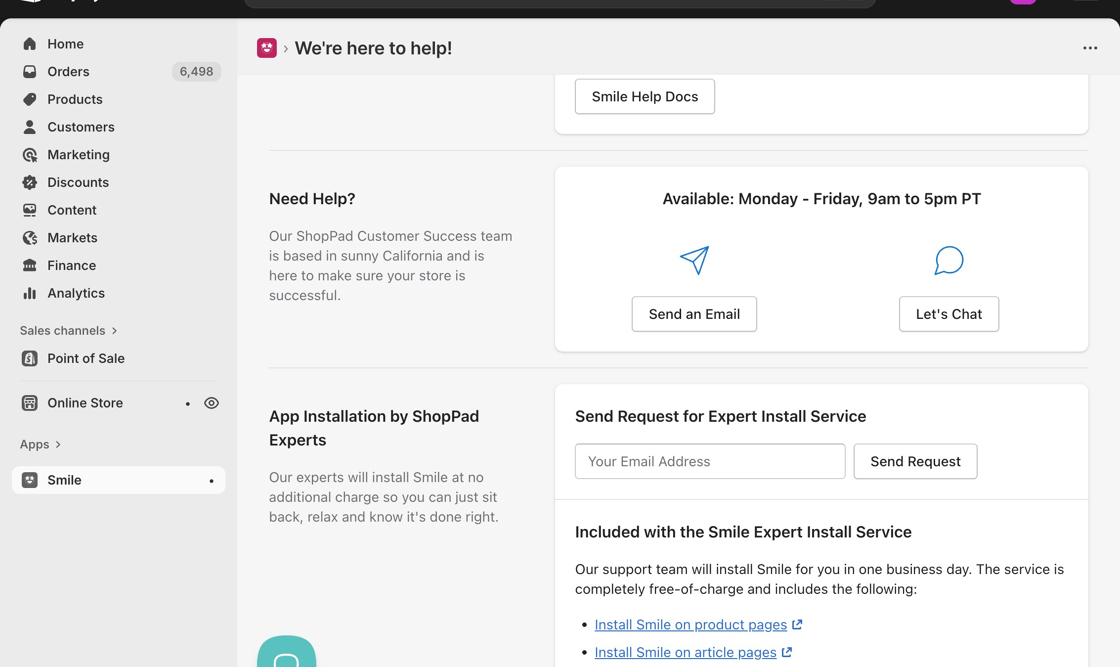
For assistance, you can check out the **Help** tab. From there, you can contact our support team through email or live chat. You can also use our help documents or take advantage of our complimentary install service.
After some quick customizations and installation steps, your customers are now ready to smile, wink, and high-five your store's products and articles! 🙌