# GemPages

If you wish to integrate Uploadery with GemPages, refer to the following instructions:

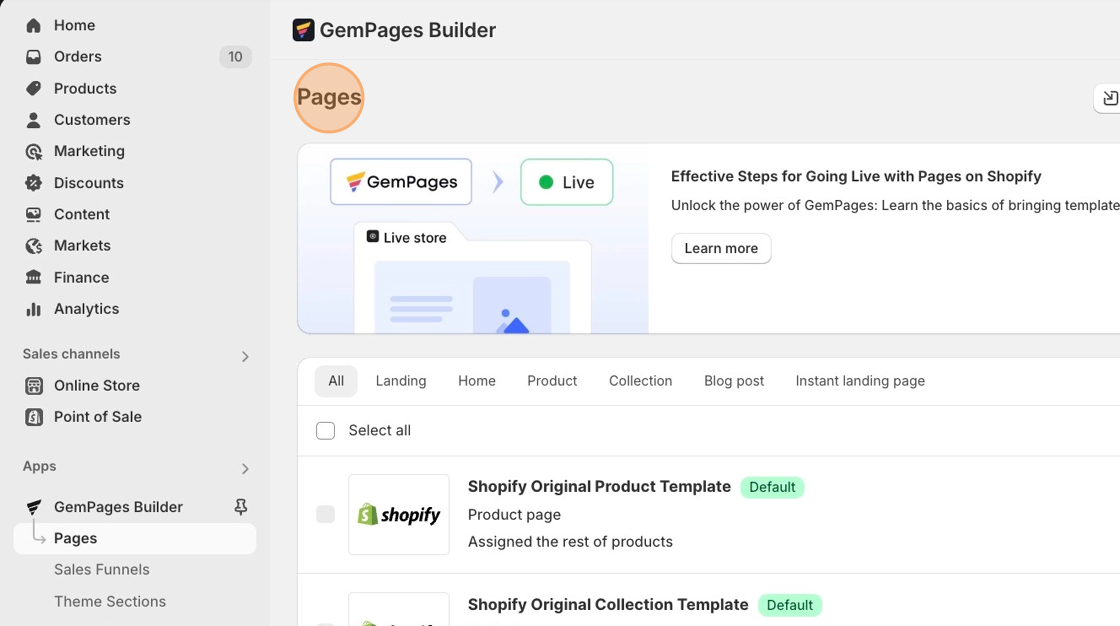
1\. Navigate to **Apps**. Click on the **GemPages Drag & Drop Page Builder** app.

2\. Navigate into **Product Pages** to reveal all product pages.

<figure><img src="https://1830227525-files.gitbook.io/~/files/v0/b/gitbook-x-prod.appspot.com/o/spaces%2FttS2ys9nVT4SeVSaGa3f%2Fuploads%2F0uSXsjAFAwTGYSxvJZ72%2FGem-Pages-Uploadery-Install.png%20-%20Step%200.png?alt=media&#x26;token=e1a942d4-bc77-4de0-9feb-920b4f27d437" alt=""><figcaption></figcaption></figure>

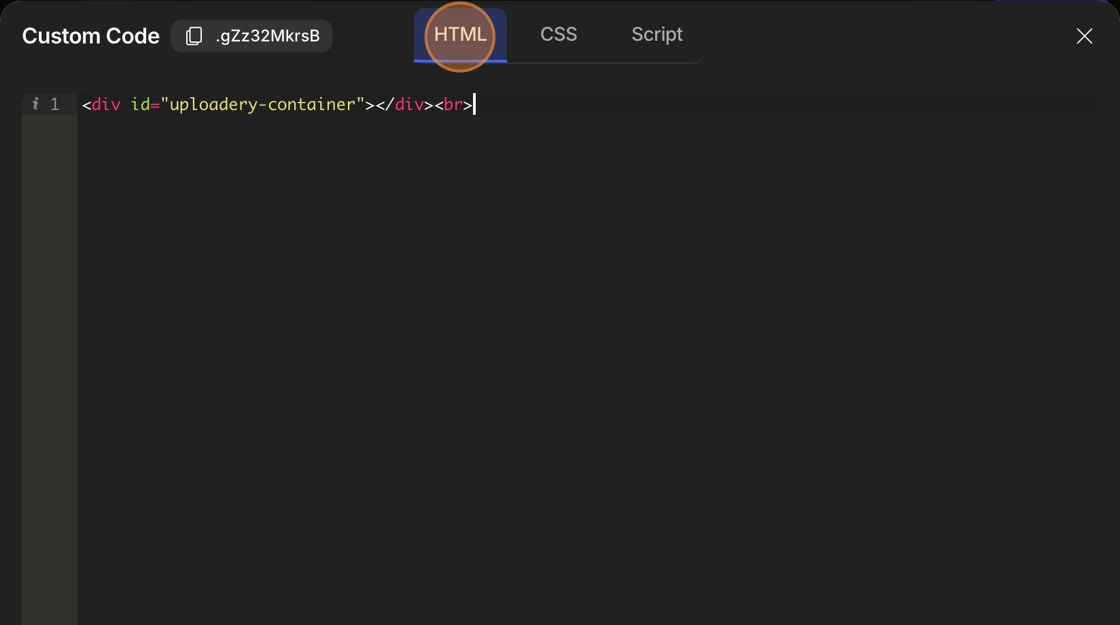
3\. Copy the Uploadery install snippet below.

```
<div id="uploadery-container"></div>
```

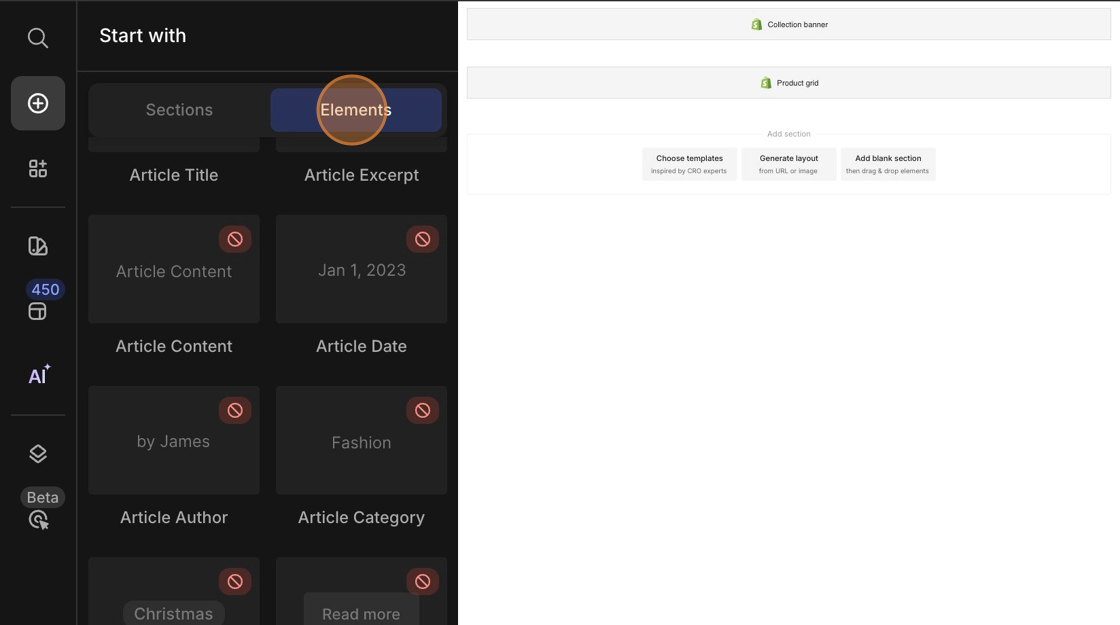
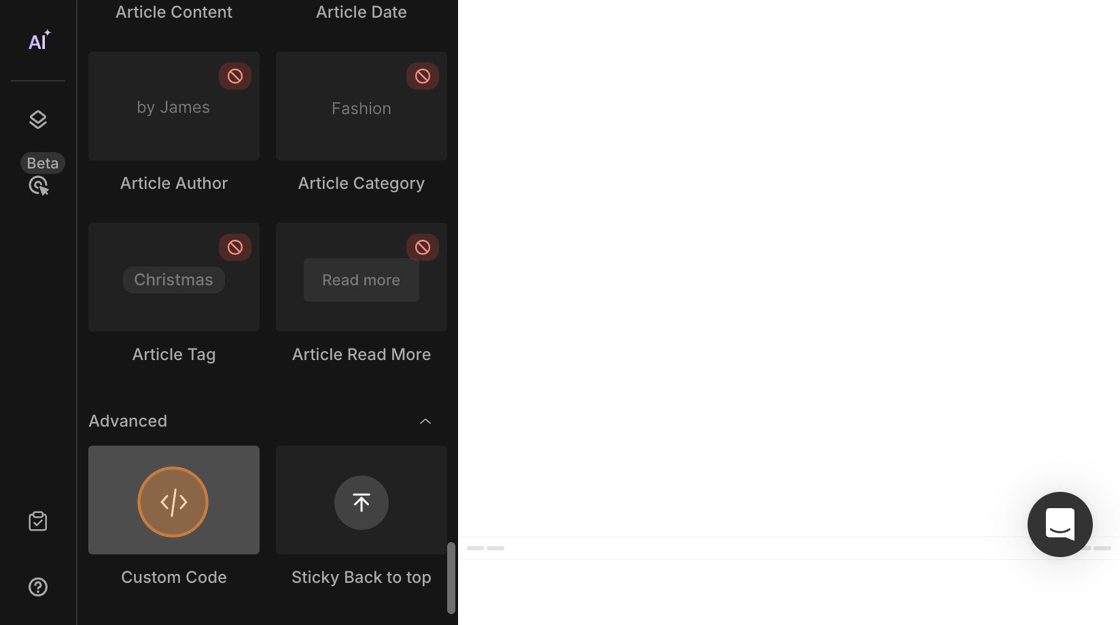
4. From the **Elements** tab, drag the *Liquid* element from the left sidebar into the product page and place it above either the quantity selector or the add to cart button.

<figure><img src="https://1830227525-files.gitbook.io/~/files/v0/b/gitbook-x-prod.appspot.com/o/spaces%2FttS2ys9nVT4SeVSaGa3f%2Fuploads%2Fgit-blob-d021b0fb3ec91c92484f99d2c3f61cb41fb7e545%2FGem-Pages-Uploadery-Install.png%20-%20Step%201.png?alt=media" alt=""><figcaption></figcaption></figure>

<figure><img src="https://1830227525-files.gitbook.io/~/files/v0/b/gitbook-x-prod.appspot.com/o/spaces%2FttS2ys9nVT4SeVSaGa3f%2Fuploads%2Fgit-blob-3beb4e33169f3176356b9b1460822c324af8db9a%2FGem-Pages-Uploadery-Install.png%20-%20Step%202.png?alt=media" alt=""><figcaption></figcaption></figure>

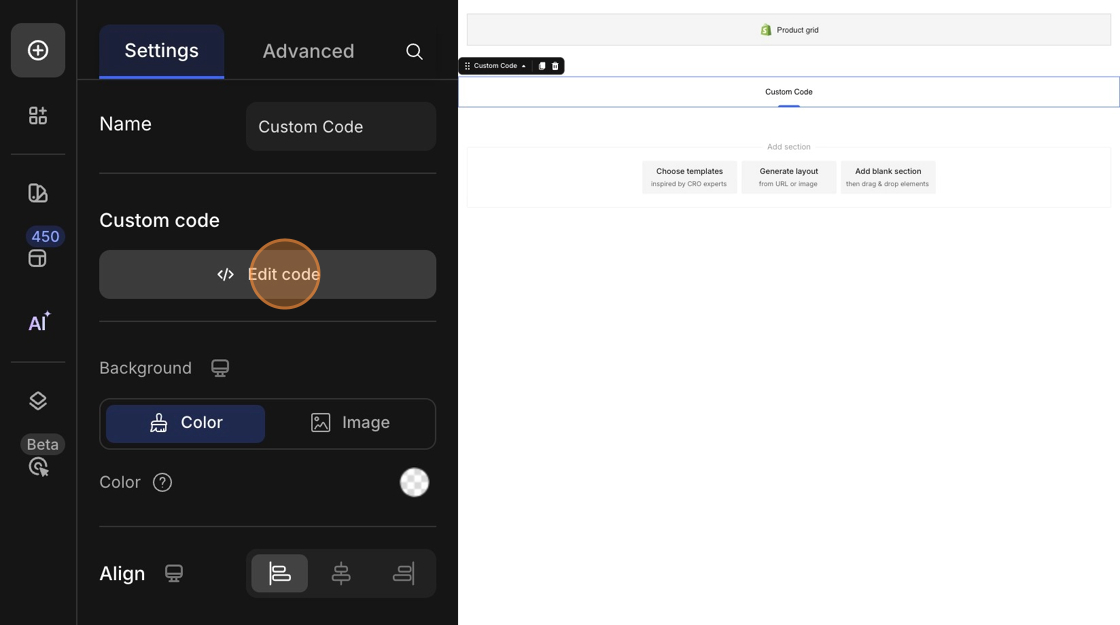
5\. Paste the install code snippet you copied in step #3 into the code editor and hit **Save**.

<figure><img src="https://1830227525-files.gitbook.io/~/files/v0/b/gitbook-x-prod.appspot.com/o/spaces%2FttS2ys9nVT4SeVSaGa3f%2Fuploads%2Fgit-blob-3802403c2fb9cfa04846573653d740e9455773ee%2FGem-Pages-Uploadery-Install.png%20-%20Step%204.png?alt=media" alt=""><figcaption></figcaption></figure>

<figure><img src="https://1830227525-files.gitbook.io/~/files/v0/b/gitbook-x-prod.appspot.com/o/spaces%2FttS2ys9nVT4SeVSaGa3f%2Fuploads%2FIrPjwd09IuVbgpqUYj2M%2FGem-Pages-Uploadery-Install.png%20-%20Step%207.png?alt=media&#x26;token=edbebb0c-c862-46a0-9701-b37c57a7002e" alt=""><figcaption></figcaption></figure>

6\. **Publish** your changes.

{% hint style="info" %}
Should you require any further assistance with the steps in the documentation, please contact the GemPages Support Team via [email](mailto:support@gempages.help) or live chat.
{% endhint %}